Scraping, automation and web design in the UK
Looks good. Works hard.
Design for the things people see.
Automation for everything behind them.
Small studio.
Whole-picture thinking.
Built in the tools
you already work with.
Selected work
Made to be used.
A few things I’ve designed, built and put to work in my own businesses.
All 10 projects ↗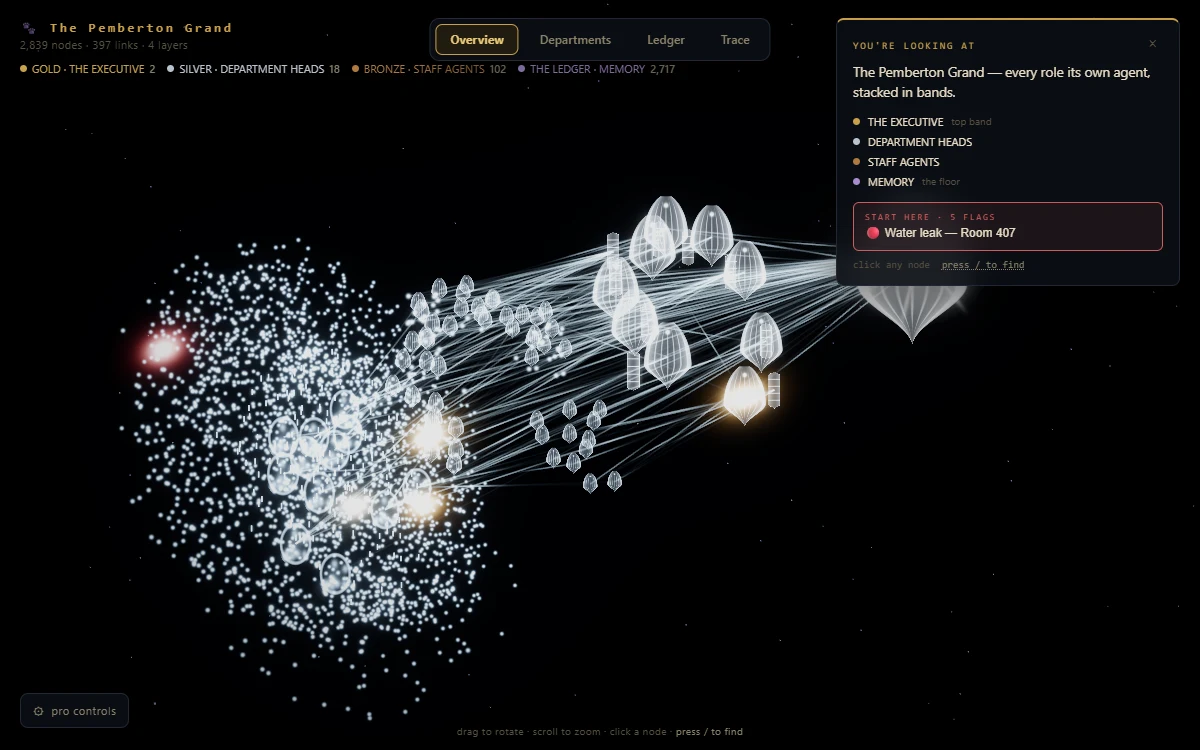 Open source · MIT
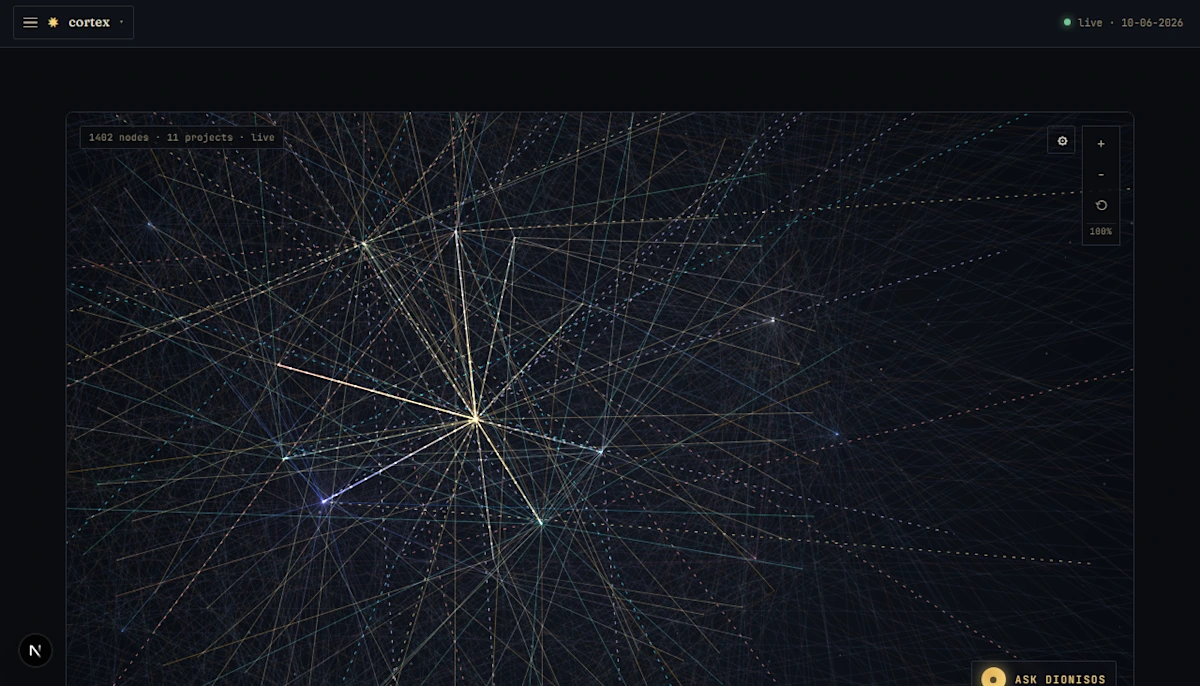
An AI operation, made visible.
An open-source brain for the tools, knowledge and agents that make up an operation.
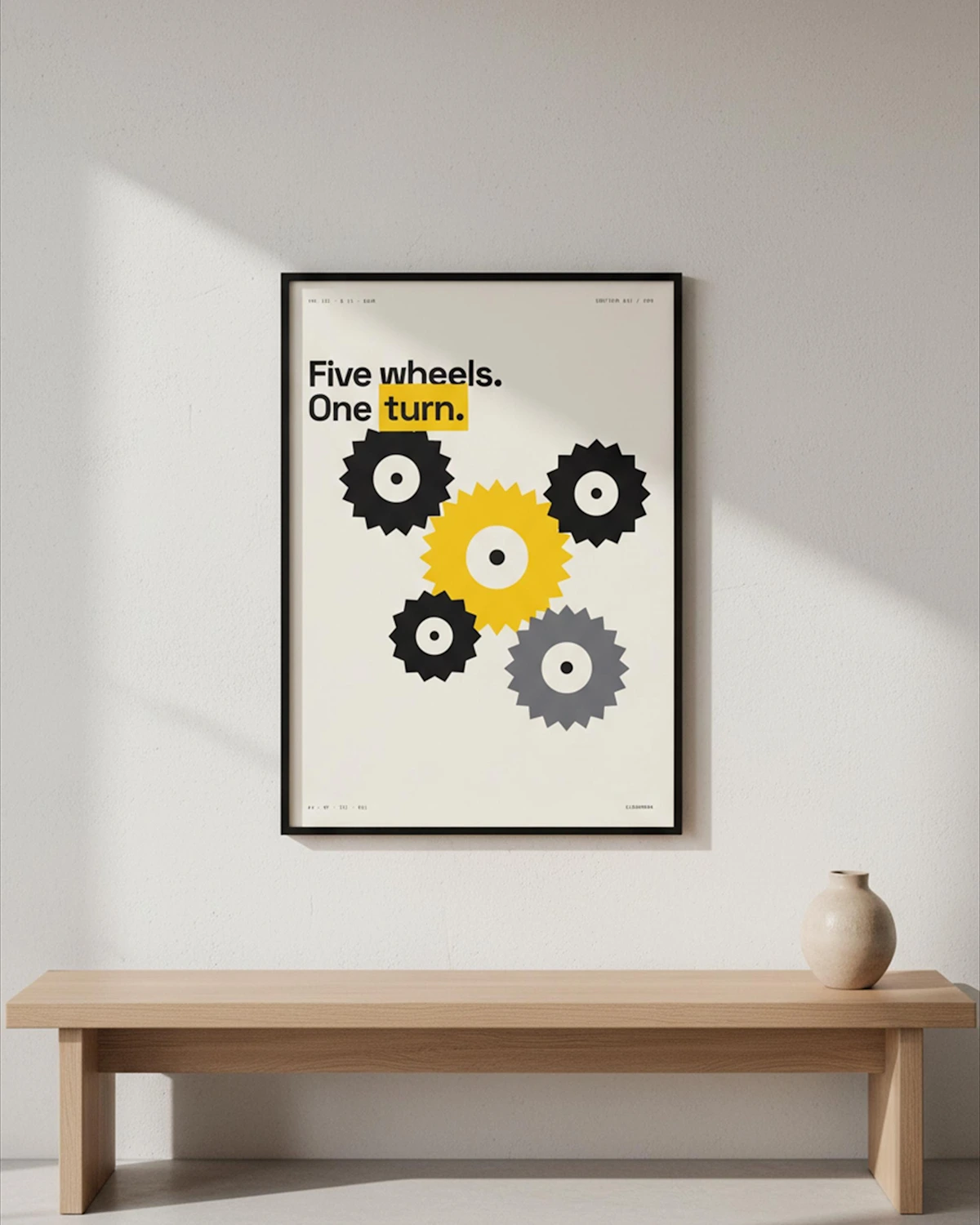
A whole catalogue. One visual language.
Product imagery built around consistent rooms, lighting and a repeatable process.
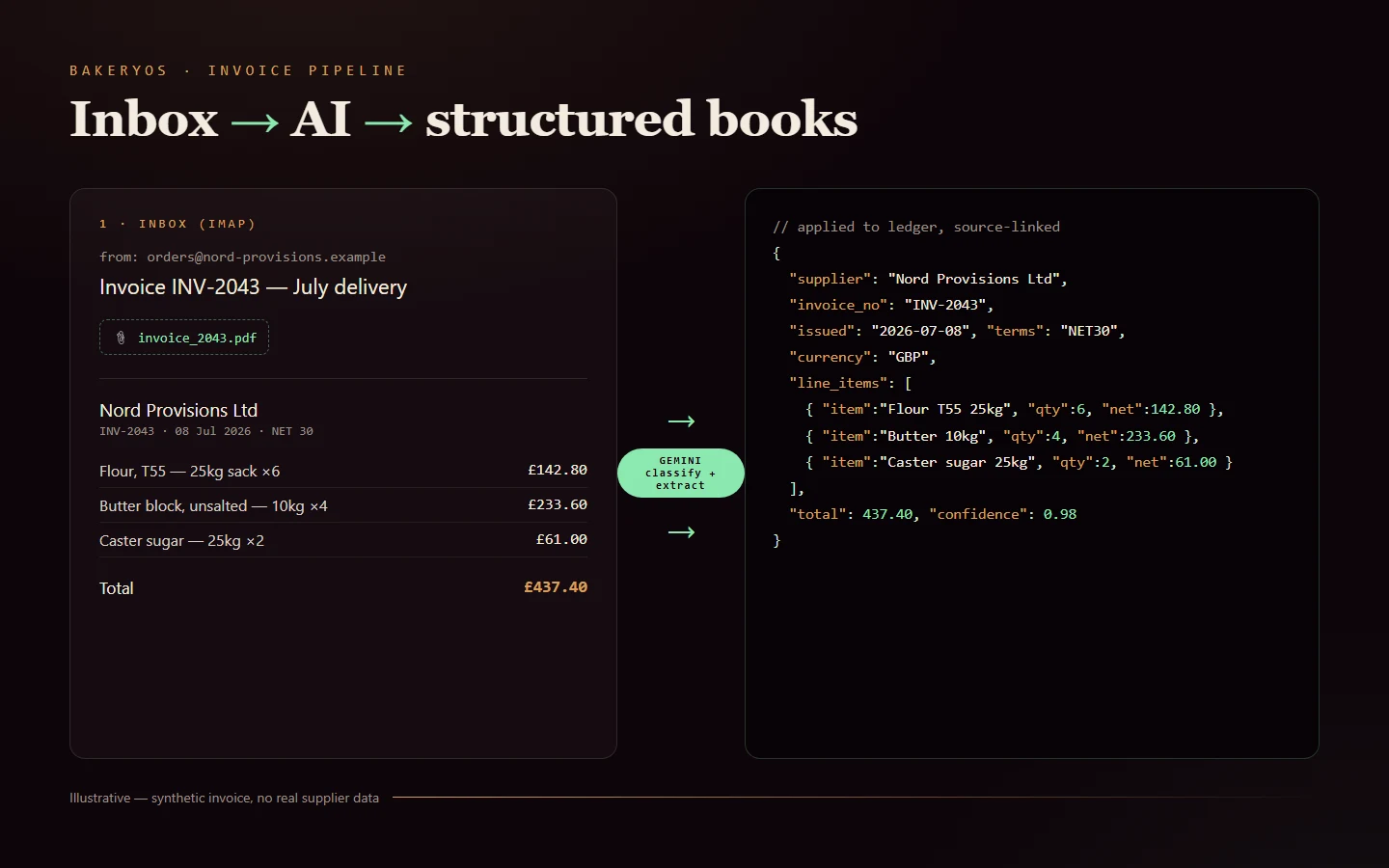
From the inbox to the books.
Supplier PDFs become structured records. Uncertain reads wait for a human.
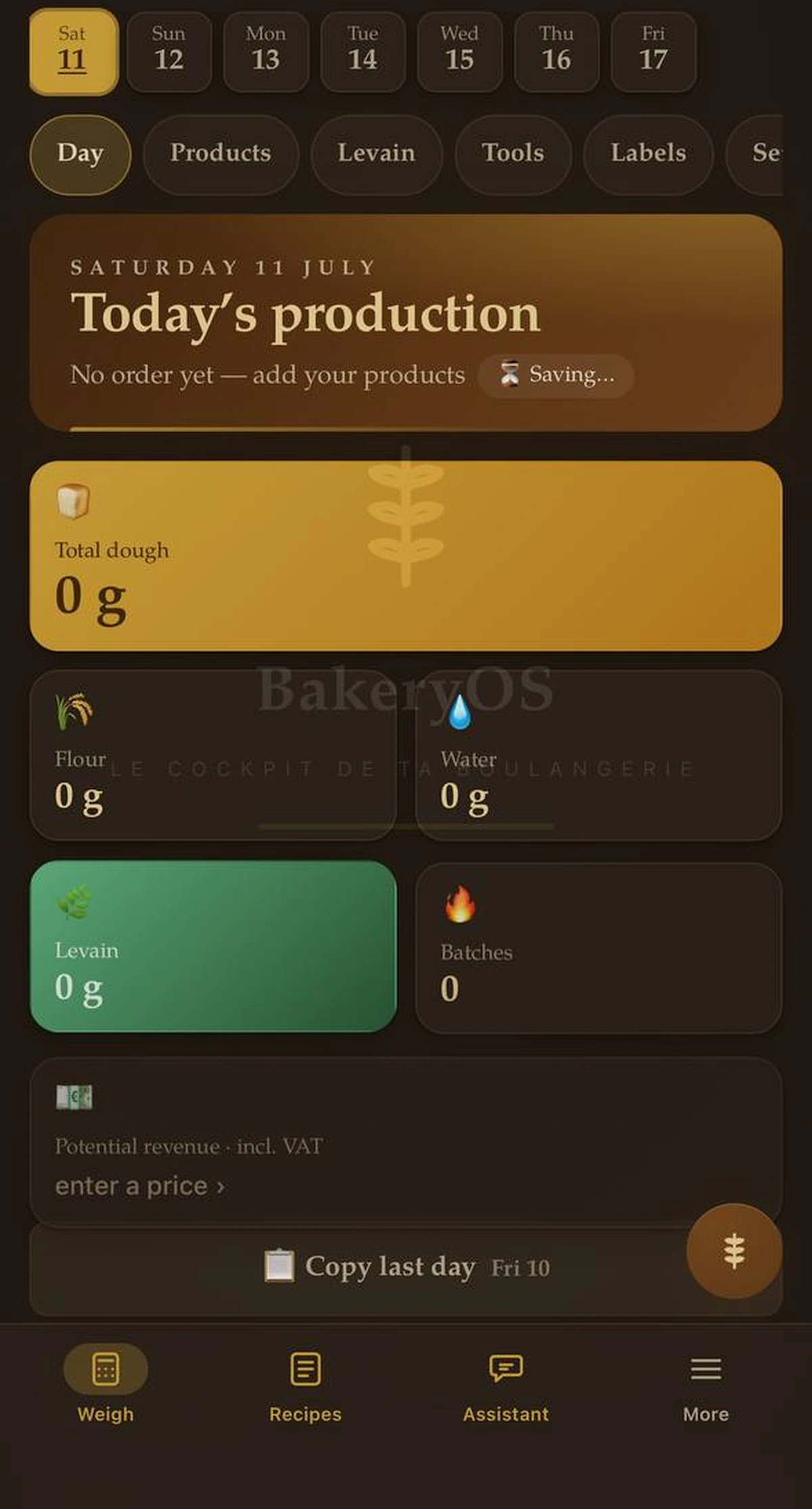
Built for hands covered in flour.
Recipes, costs and production on the phone that’s actually in the kitchen.
Three disciplines. One person.
What people see.
Websites · identity · interfaces↗How it all runs.
Workflows · integrations · AI↗What feeds it all.
Scrapers · clean rows · alerts↗A beautiful front end is only part of the job. I connect it to the people, data and tools that keep the business moving.
How we can work together ↗Better together
If X had a baby with Y.
We built it.
The tools are the ingredients. I connect them and design the experience around the job you need done. Here are three combinations already at work in my own businesses.
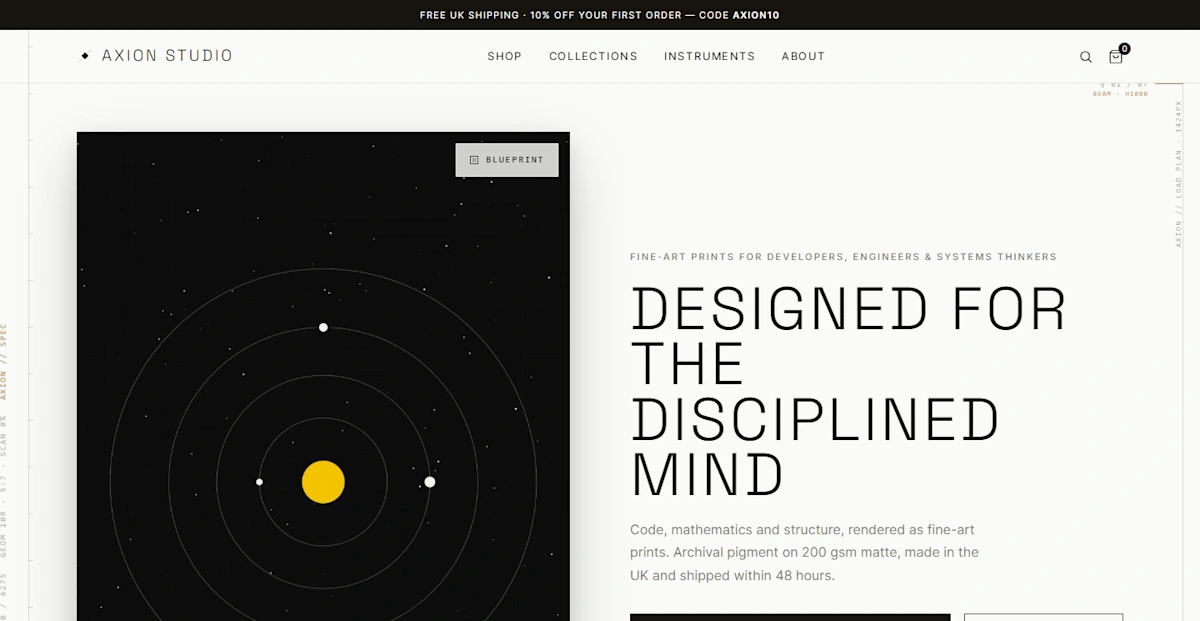
A shop with a print room attached.
An order becomes a print job, with n8n handling the handoff and Supabase keeping the order record. I built the workflow for Axion Studio, my own wall-art store.
See the store-to-print build↗An inbox that helps with the books.
Email brings in the supplier PDF. Gemini reads it; PostgreSQL holds the structured record. In BakeryOS, uncertain reads wait for a person to check the details.
See the invoice workflow↗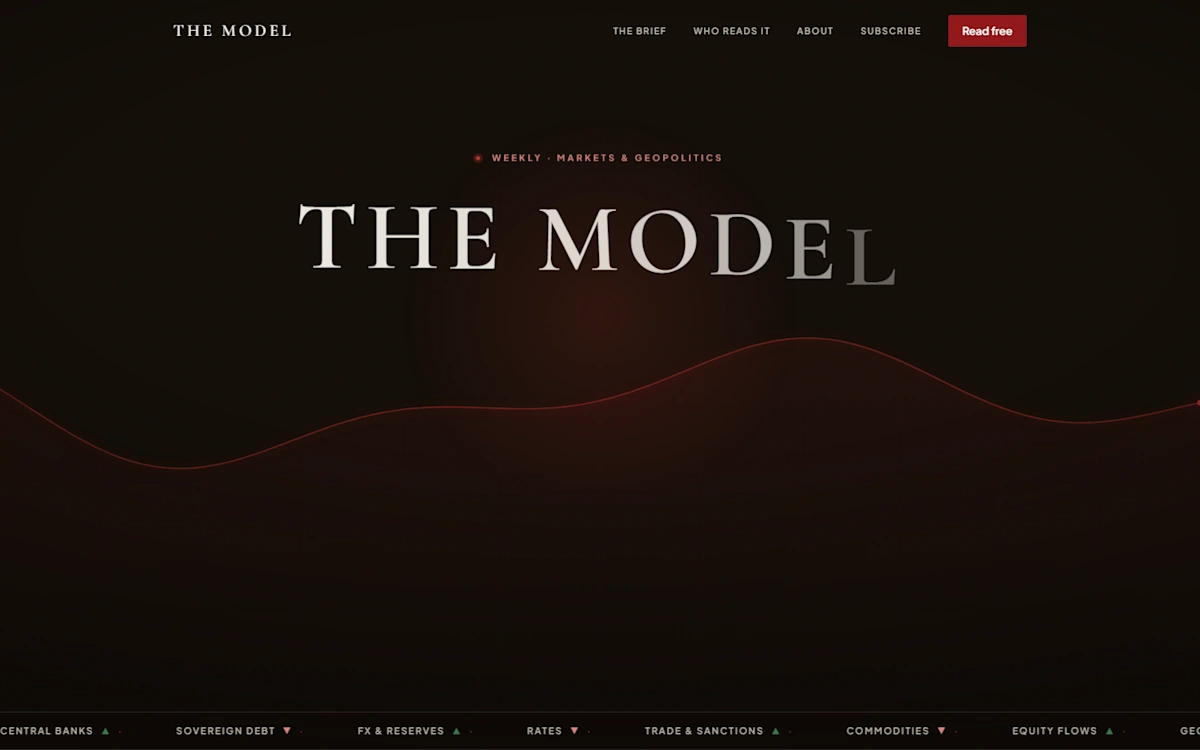
A publication with its own mailing room.
I designed the site and connected the newsletter behind it. Subscriber records live in Supabase; Resend handles delivery for my own publication.
See the newsletter build↗Which two parts of your working day should be talking?
Tell me what you want to connect ↗A little demonstration
See the work
behind the work.
Choose a job to see how it moves through a workflow. You can leave out a detail to see where a person needs to step in.
Give it a small job.
Run the example to follow it from input to useful output.
A browser demonstration with sample data. Nothing is sent or saved. A real build connects your tools and needs checks suited to your business.
See the actual work ↗Put your own numbers in
The little jobs
add up.
Each job takes a few minutes, but how often do you do it? Move the sliders to see the manual workload behind your month.
Start with the job
There might already
be a build for that.
A note from
the person doing the work.
Founder, Fractional HQ
Good work starts
with an honest answer.
I built these systems because I needed them myself. That means I’ve had to deal with the awkward bits too: the invoice that won’t read, the workflow that stops, the screen that makes sense only to its builder.
Tell me what’s getting in your way. I’ll help you find a useful starting point, and tell you if it’s a job that doesn’t need automating at all.
A bit more about me ↗Before we start
A few
fair questions.
What does it cost?
It depends entirely on the job, so I won't pretend otherwise with a pricing table. Send the brief and you get a number, not a call.
What if it breaks after you leave?
Everything is handed over with the keys and a walk-through. You're not renting access to your own systems.
Are you not just one person?
Yes. That's why so much of my own operation is automated: it's what lets one operator carry the load of a small team, and it's the same machinery I'd build for you.
Scraping, automation or design?
All three, and that's the point. The data coming in, the work that keeps running and the part that gets judged are usually bought from three suppliers who blame each other.